How TelEcho Works
AI Voice & Messaging Agents
Connect channels, define workflows, integrate your CRM, test with real calls, and go live with full observability and rollback controls.
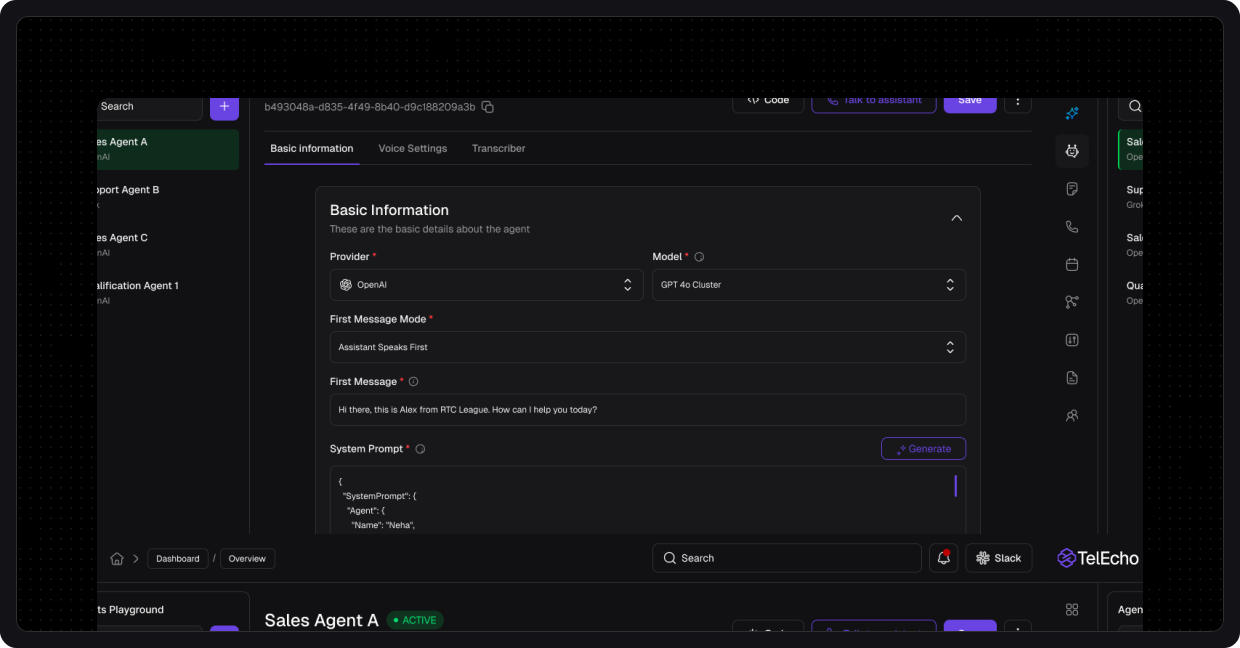
TelEchoisbuiltasproduction-gradesoftwarefromdayone.Withenvironments,versioning,testing,andmonitoringbuiltin,teamsdeployenterpriseAIagentsinweeks,notmonths.
LaunchfullytransactionalagentsacrossPhone,WhatsApp,andWeChat,integrateddirectlywithyourCRM,calendar,andticketingsystems.
TelEcho is built as production-grade software from day one. With environments, versioning, testing, and monitoring built in, teams deploy enterprise AI agents in weeks, not months.
Launch fully transactional agents across Phone, WhatsApp, and WeChat, integrated directly with your CRM, calendar, and ticketing systems.
Connect Channels
TelEcho unifies all customer touchpoints under a single agent brain:

Phone / SIP
Inbound & outbound AI-powered voice agents

WhatsApp Business Account
Voice + chat interactions in one thread

WeChat Service Account
Conversational flows for support, booking, and notifications
Agent Setup
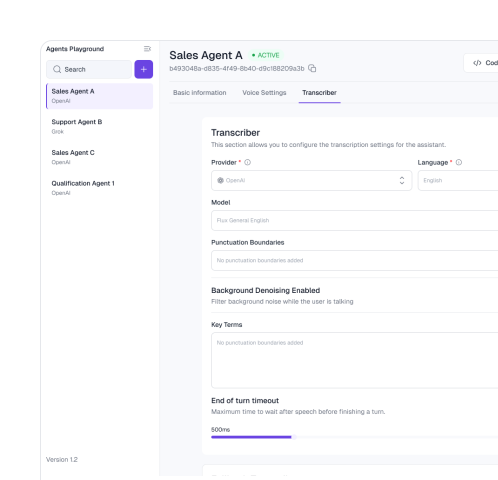
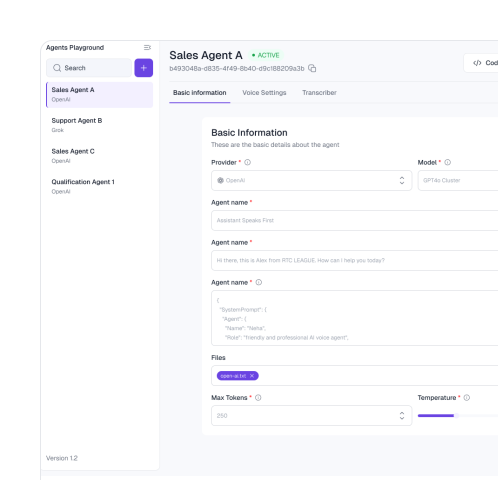
Start by specifying what the agent needs to accomplish:
Prefer working inside your AI tools?
Define and configure your agent directly from ChatGPT or Claude via TelEcho's native MCP integration, without switching platforms.
Connect Tools
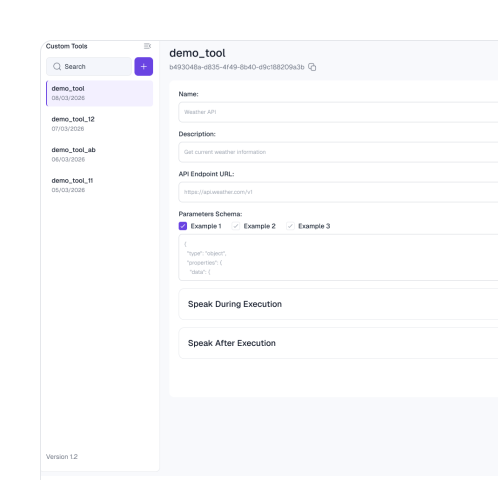
Integrate TelEcho with the systems your team already uses:
CRM
Create or update leads, dispositions, & pipelines
Calendar
Schedule, reschedule, and confirm appointments
Ticketing
Open, update, or close tickets automatically
Internal APIs & Webhook
For custom business logic
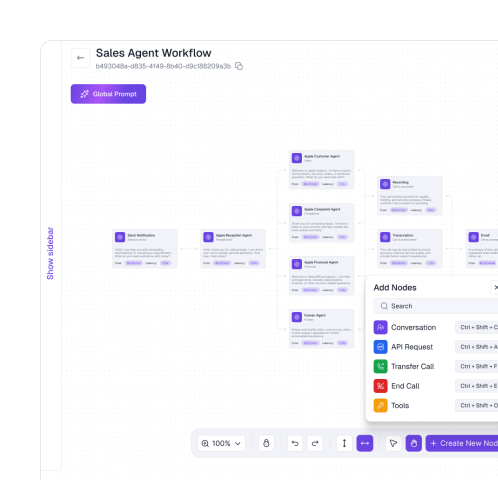
Design The Workflow
TelEcho's visual workflow builder makes conversational AI design fast and precise:
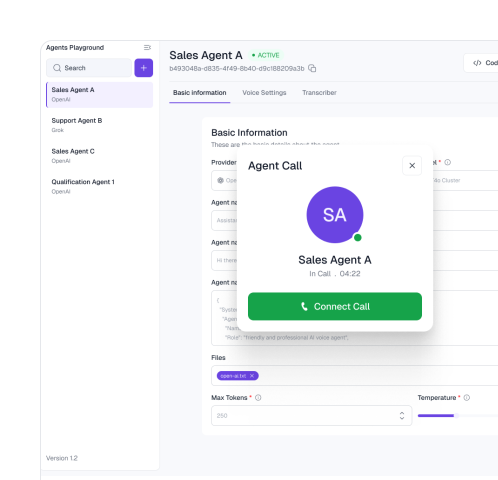
Deploy Safely And Iterate Continuously
Release agents with full visibility, control, and rollback support.

Stop Managing Calls.Start Scaling Growth.
Cut manual workloads by up to 70% and give your team the freedomto focus on high-value tasks.